Note This post is part of the DevOps Journey
SonarQube provides continuous inspection of code quality through static analysis. Let’s integrate it with Jenkins for automated code quality checks.
Run SonarQube with Docker
Start SonarQube using Docker:
docker run -d --name sonarqube \
  -p 9000:9000 \
  -e SONAR_ES_BOOTSTRAP_CHECKS_DISABLE=true \
  sonarqube:latest
Wait for SonarQube to start (check logs with docker logs sonarqube), then access it at http://localhost:9000
Default credentials: admin/admin (change on first login)
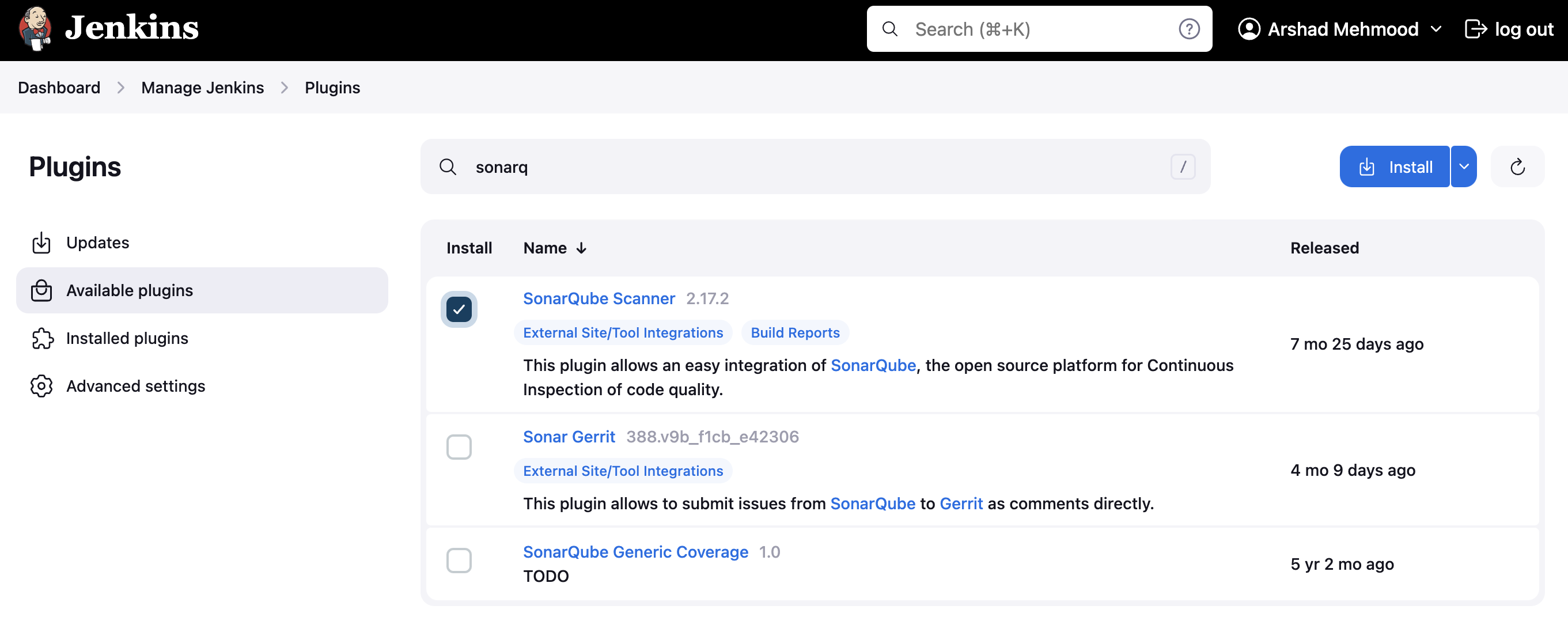
Install SonarQube Scanner Plugin in Jenkins
- Go to Jenkins Dashboard → Manage Jenkins → Manage Plugins
- Search for “SonarQube Scanner” plugin
- Install and restart Jenkins
Configure SonarQube Server in Jenkins
- Navigate to Manage Jenkins → Configure System
- Scroll to “SonarQube servers” section
- Click “Add SonarQube”
- Configure:
- Name:
SonarQube - Server URL:
http://localhost:9000 - Server authentication token: (generate in SonarQube)
- Name:
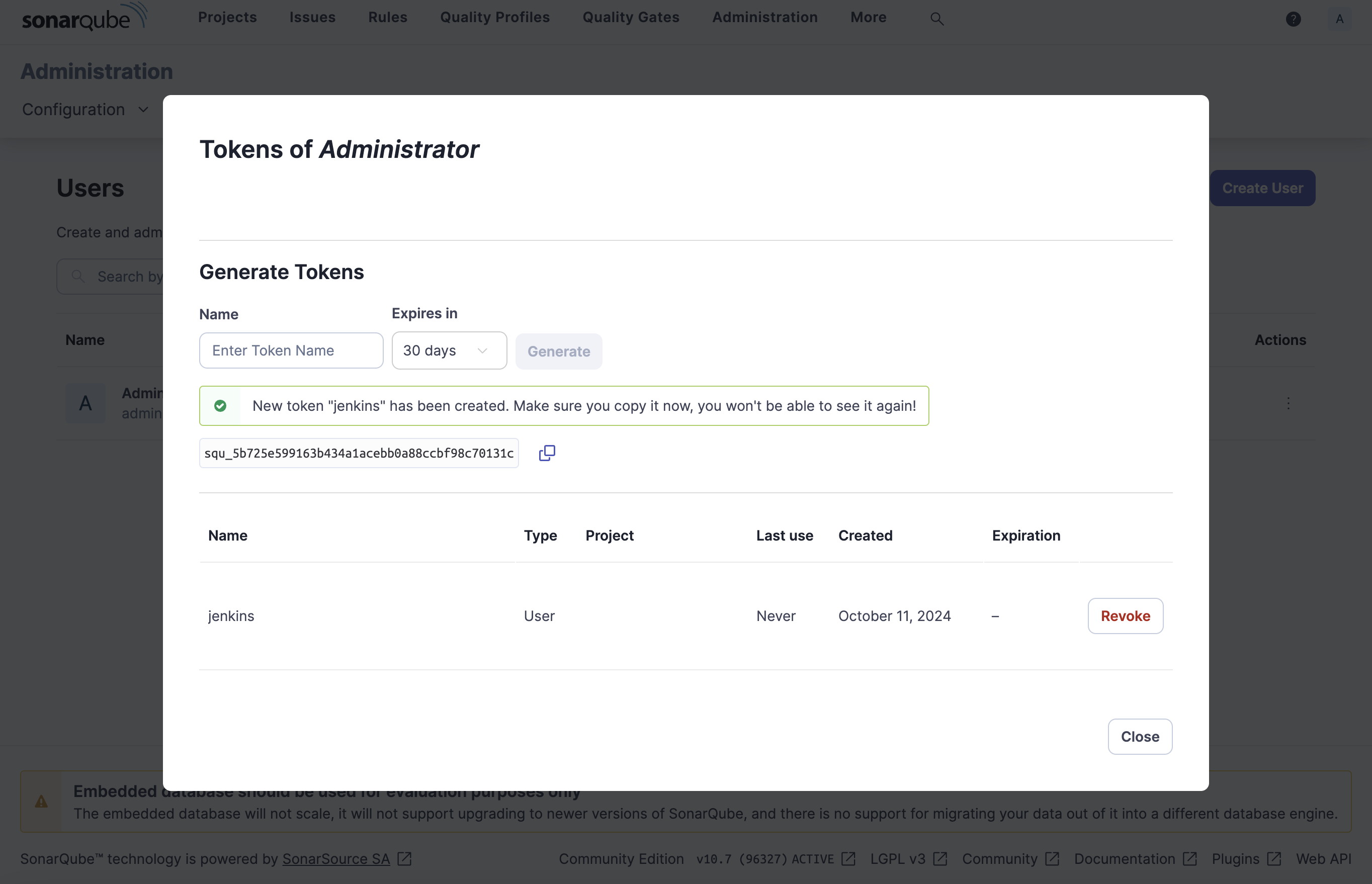
Generate SonarQube Token
- Login to SonarQube (http://localhost:9000)
- Go to User → My Account → Security
- Generate a new token
- Copy the token for Jenkins configuration
Add Token to Jenkins
- In Jenkins SonarQube configuration, click “Add” next to Server authentication token
- Select “Secret text”
- Paste the SonarQube token
- Give it an ID like
sonarqube-token
Configure SonarQube Scanner
- Go to Manage Jenkins → Global Tool Configuration
- Scroll to “SonarQube Scanner”
- Click “Add SonarQube Scanner”
- Name:
SonarQube Scanner - Install automatically from Maven Central
Create Pipeline with SonarQube Analysis
pipeline {
    agent any

    environment {
        SCANNER_HOME = tool 'SonarQube Scanner'
    }

    stages {
        stage('Checkout') {
            steps {
                checkout scm
            }
        }

        stage('SonarQube Analysis') {
            steps {
                withSonarQubeEnv('SonarQube') {
                    sh '''
                        $SCANNER_HOME/bin/sonar-scanner \
                        -Dsonar.projectKey=my-project \
                        -Dsonar.sources=. \
                        -Dsonar.host.url=http://localhost:9000 \
                        -Dsonar.login=$SONAR_AUTH_TOKEN
                    '''
                }
            }
        }

        stage('Quality Gate') {
            steps {
                timeout(time: 1, unit: 'HOURS') {
                    waitForQualityGate abortPipeline: true
                }
            }
        }
    }
}
Project-specific Configuration
Create sonar-project.properties in your project root:
sonar.projectKey=my-project-key
sonar.projectName=My Project
sonar.projectVersion=1.0
sonar.sources=src
sonar.language=java
sonar.sourceEncoding=UTF-8
Quality Gates
SonarQube Quality Gates ensure code meets quality standards before deployment. Configure thresholds for:
- Code coverage
- Duplicated lines
- Maintainability rating
- Reliability rating
- Security rating
The pipeline will fail if quality gate conditions aren’t met, preventing poor quality code from being deployed.
Discussion
Comments are not enabled on this build. Production uses Giscus (GitHub Discussions) when the repository secrets are set.